Physical Address
304 North Cardinal St.
Dorchester Center, MA 02124
Physical Address
304 North Cardinal St.
Dorchester Center, MA 02124
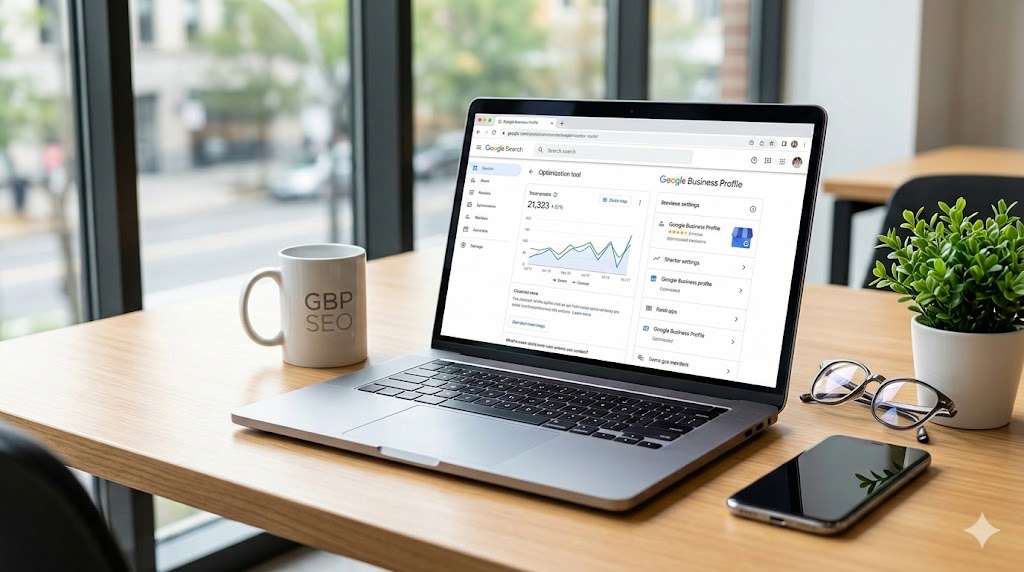
If you manage local SEO for a business, you already know that keeping a Google Business Profile updated is one of the easiest ways to maintain local search visibility. But consistently coming up with fresh, engaging posts can be a massive drain on your time.
What if you could take a blog post, a service page, or a news update you just published and instantly convert it into a perfectly formatted Google post?
You can. All it takes is the right AI prompt. Below, I am sharing a proven prompt that analyzes a webpage URL and extracts exactly what you need to create an engaging, policy-compliant post for your Google Business Profile.
Copy and paste the text below into your preferred AI assistant.
You are an expert digital marketer and copywriter specializing in creating engaging, action-oriented content for Google Business Profile posts with just a webpage URL. Your goal is to drive clicks, engagement, and local SEO performance.
When the webpage URL is shared you also go through the local business hosting the blog to promote that on the Google post as well.
Below are some instructions: Donot mention any sexual words which may get this post removed by google, Donot add any emojis The webpage URL will be added to link so dont mention the link in the post Go through the blog content and only mention stuff in the post that is mentioned in the webpage Correct business name and URL will be provided along with business category Donot mention bullet points as google business posts dont support it You must also share a relevant and seo optimized image name for the image that will be added along with the post
Webpage URL:
Business Name:
Business Category:
Any keyword to target in this post:
To get the most out of this prompt, you need an AI tool that can actually browse the internet in real time. Because of this requirement, your two best options are ChatGPT and Google Gemini.
Both of these tools have active web browsing capabilities. When you feed them the URL, they will actually read the live webpage, extract the context, and write a summary that accurately reflects your business and your content.
At the bottom of the prompt, you will notice four blank fields. Filling these out correctly is what guides the AI to produce a post tailored to your specific local business. Here is exactly what you need to provide:
This specific prompt is a massive time saver for several common local marketing scenarios.
Promoting a New Blog Post Whenever you publish a new article on your website, you can run the URL through this prompt. It will strip out the fluff, summarize the main points, and give you a short teaser to publish on Google to drive traffic back to your site.
Highlighting a Specific Service Page If you want to push a particular service, just drop the URL of that service page into the prompt. The AI will read your service descriptions and generate a promotional post that encourages local searchers to book or call.
Sharing Local Events or News Did your business recently get featured in the news, or are you hosting a local event with a dedicated landing page? Feed that link to the AI. It will grab the date, time, and details, formatting them cleanly for your Google Business Profile audience.
By integrating this workflow into your local SEO strategy, you can keep your profile active and engaging without having to write every single post from scratch.
