Physical Address
304 North Cardinal St.
Dorchester Center, MA 02124
Physical Address
304 North Cardinal St.
Dorchester Center, MA 02124
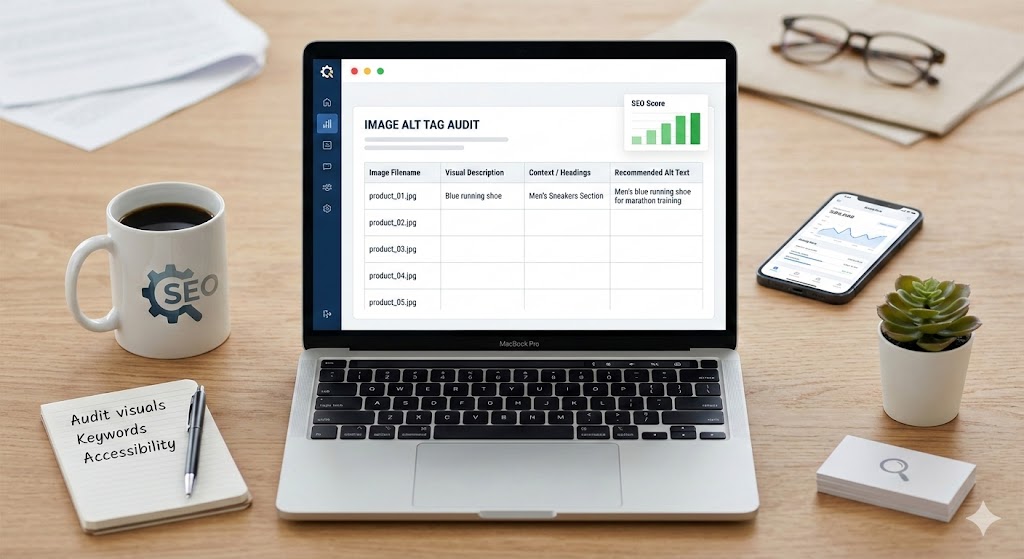
Let us talk about image SEO. It is one of those tasks that often gets pushed to the bottom of the website launch checklist. But alt tags actually matter quite a bit. They help search engines understand what your visuals are about, and more importantly, they make your site accessible to visually impaired users who rely on screen readers.
Writing them manually for a heavy webpage takes up way too much time. That is exactly why I put together this Image Alt Tag Optimization Prompt. It turns your favorite AI into an expert SEO and accessibility auditor, doing the heavy lifting for you in a fraction of the time.
Below, I am going to share the exact prompt, explain what inputs you need, and show you exactly how to get the best results.
To get the most out of this workflow, you need an AI that can handle both text and visual inputs (multimodal capabilities). Here are the two best options:
Copy and paste the text below directly into ChatGPT or Gemini to start your audit.
Copy this prompt:
Role: Act as an SEO Specialist and Accessibility Expert. Task: Audit the images visible in the provided screenshot to optimize their Alt Text for search engine visibility and screen-reader accessibility. Input 1: Target Keyword Input 2: A full-page screenshot of the website. Input 3: A html file of the webpage Instructions: Visual Extraction: Identify every unique image, icon, and logo visible in the screenshot. Contextual Analysis: Analyze the text and headers surrounding each image to ensure the new alt text is semantically relevant to the page content. Deduplication: If an image (like a logo or social icon) appears multiple times, list it only once. Optimization Criteria: Keyword Integration: Naturally incorporate the Target Keyword or a close semantic variation where relevant. You are allowed to modify the keywords for grammatical errors. Descriptive & Concise: Describe the visual elements clearly for visually impaired users. Strict Constraints: No “fluff” (e.g., “image of,” “photo of”). Keep all descriptions under 125 characters. Decorative Images: If an image is purely decorative (e.g., a background flourish), recommend alt=””. Output Format: Please provide the audit in the table withe the following table headers Visual Description / Image Identifier Observed Context (Nearby Text/Section) Recommended SEO-Optimized Alt Tag Do not start with this task, ask me for the inputs.
When you paste the prompt, the AI will pause and ask you for three specific things. Here is what to provide:
You might be wondering when to actually pull this prompt out of your toolkit. Here are the best use cases:
Make sure your screenshot is high resolution so the AI can clearly read the text surrounding your images. The “Observed Context” column in the output is highly valuable. It proves to you that the AI actually looked at the headings next to the picture before suggesting the tag.
If the AI gives you a description that feels a little too robotic, just reply and ask it to make the tone more conversational.
